Prerequisites
Composer installed
Installation Steps
1. Install Required Dependencies
Navigate to your project’s root directory and install the following packages using Composer:
# Install PHP_CodeSniffer
composer require --dev squizlabs/php_codesniffer

# Install WordPress Coding Standards
composer require --dev wp-coding-standards/wpcs

# Install the Composer installer for PHP_CodeSniffer Standards
composer require --dev dealerdirect/phpcodesniffer-composer-installer
2. Set Up VS Code Extension
Install the extension valeryanm.vscode-phpsab in your VSC
Important: If you have the PHP Intelephense extension disable it
3. Configure VS Code Settings
- Create a
.vscodefolder in your project root if it doesn’t exist - Create a
settings.jsonfile inside the.vscodefolder - Add the following configuration:
{
  "phpsab.standard": "phpcs.xml",
  "phpsab.executablePathCBF": "./vendor/bin/phpcbf",
  "phpsab.executablePathCS": "./vendor/bin/phpcs",
  "[php]": {
    "editor.defaultFormatter": "valeryanm.vscode-phpsab",
    "editor.formatOnSave": true,
    "editor.tabSize": 4,
    "editor.insertSpaces": false,
    "phpsab.allowedAutoRulesets": [
      "phpcs.xml",
      "phpcs.xml.dist",
      "WordPress"
    ]
  },
  "phpsab.snifferArguments": [
    "--standard=phpcs.xml",
    "--tab-width=4",
    "-s"
  ],
  "phpsab.fixerArguments": [
    "--standard=phpcs.xml",
    "--tab-width=4",
    "-s"
  ]
}
4. Config for WPCS
- In the root project create a file called
phpcs.xml
<?xml version="1.0"?>
<ruleset name="WordPress Block Standards">
    <description>WordPress Coding Standards for Blocks</description>

    <!-- Use WordPress as a base -->
    <rule ref="WordPress">
        <!-- Common exclusions for blocks -->
            <!-- File doc comment exclude -->
            <exclude name="Squiz.Commenting.FileComment.Missing"/>

            <!-- Output escaping excludes -->
            <exclude name="WordPress.Security.EscapeOutput.OutputNotEscaped"/>
            <exclude name="WordPress.Security.EscapeOutput.UnsafePrintingFunction"/>

    </rule>

    <!-- Force tab indentation -->
    <arg name="tab-width" value="4"/>
    <rule ref="Generic.WhiteSpace.ScopeIndent">
        <properties>
            <property name="indent" value="4"/>
            <property name="tabIndent" value="true"/>
        </properties>
    </rule>
</ruleset>
4. Verify Installation
- Open any PHP file in your project
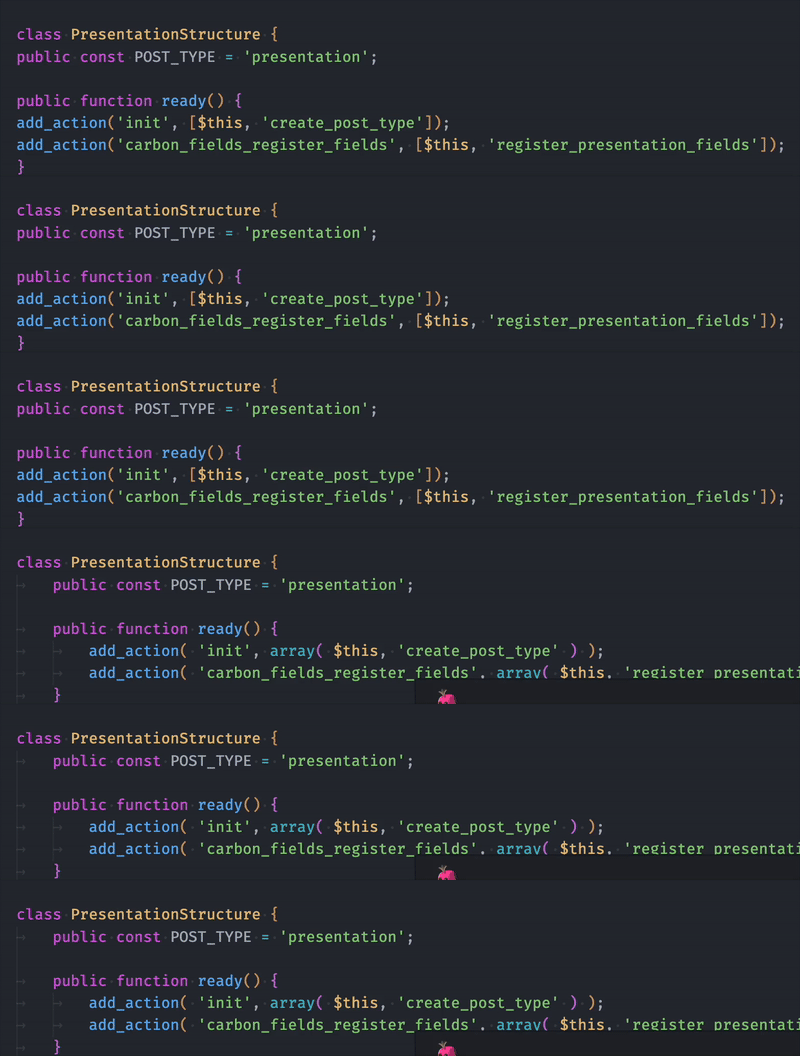
- Right-click and select “Format Document”
Troubleshooting
If formatting isn’t working:
- Make sure you’re in the correct directory
- Verify the packages are installed by running:
./vendor/bin/phpcs --versionAlso try to close and open again VSC to refresh after the initial instalation
Done! You are all set to test it in your php file.
Remember this is not a global config for WPCS but for an especific project.

 WL Engineering Blog
Leave a comment